Take your learning with you.
Install from your browser. No app store needed.
Tap the Share button
In Safari, tap the three-line Page Menu button beside the web address, then tap Share. If you already see a square with an arrow pointing up, tap that Share button directly.
Tap Add to Home Screen
In the menu that opens, scroll down and tap Add to Home Screen. If it is missing, scroll to the bottom, tap Edit Actions, and add it to the menu.
Turn on Open as Web App
If this switch appears, turn it on. This makes CodeBaobab open in its own window instead of a Safari tab.
Tap Add
Tap Add to confirm. The CodeBaobab icon will be placed on your Home Screen.
Open CodeBaobab
Go to your iPhone’s Home Screen and tap the new CodeBaobab icon.
Use these steps in Safari. Choose Chrome above if that is the browser you want to use.
Open CodeBaobab app Apple installation help ↗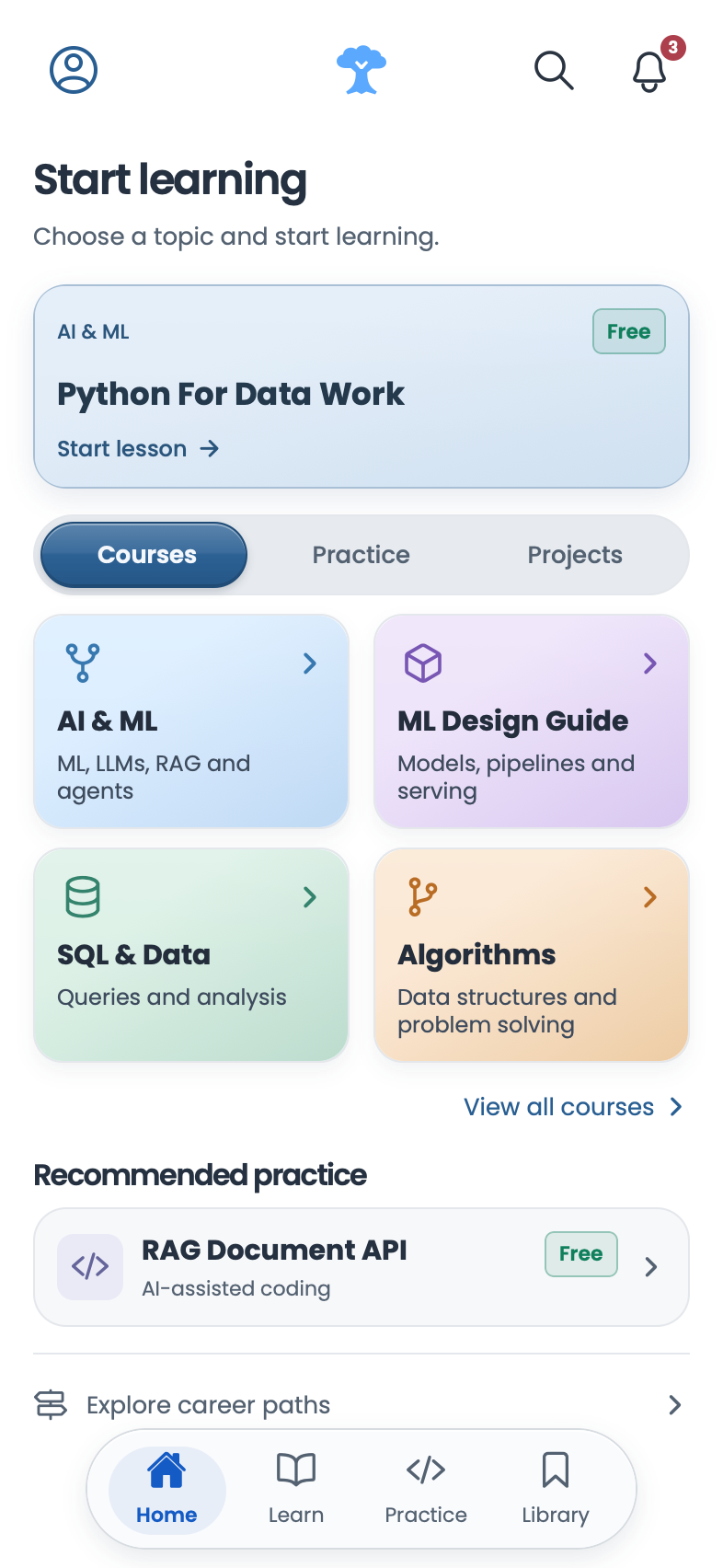
Course reading and running tests require an internet connection.